
Navigating the Display Market in 2026
Investing in a new display can be a daunting, jargon-filled nightmare. The primary objective of this deep-dive into "What is a Good Monitor Refresh Rate for Work, Gaming & Editing?" is to cut through the marketing fluff and help you identify precisely what specifications matter for your unique workload. With the explosion of remote work, hybrid setups, and the merging of professional workstations with high-end gaming rigs, the traditional "office monitor" has rapidly evolved. Today, refresh rate stands as one of the most critical specifications to consider, rivaling even resolution and color accuracy in its profound impact on your daily user experience. Understanding what constitutes a "good" refresh rate requires balancing your budget, your desk space, and the actual processing power of the computer driving the display.
The days when 60Hz was the strict standard across the board are officially over. A new baseline is establishing itself, with even budget-friendly commercial displays adopting 75Hz to 120Hz panels. This shift is driven by the realization that higher refresh rates drastically reduce eye strain over long periods of text scrolling and spreadsheet navigation. If you are currently browsing the market to solve the questions posed in "What is a Good Monitor Refresh Rate for Work, Gaming & Editing?", the absolute minimum threshold you should accept for any purchase in 2026 is 120Hz, ensuring unparalleled longevity and a universally pleasant viewing experience.
Resolution vs. Refresh Rate: The Ultimate Balancing Act
One of the central dilemmas highlighted in "What is a Good Monitor Refresh Rate for Work, Gaming & Editing?" is the eternal battle between pixel density (resolution) and speed (refresh rate). It is incredibly challenging—and exceptionally expensive—to have both at peak levels. For example, a 4K monitor pushing a 144Hz refresh rate provides breathtaking visual fidelity combined with buttery smoothness. However, fully driving a 4K 144Hz monitor in high-fidelity 3D applications requires top-tier, enthusiast-grade graphics architecture.
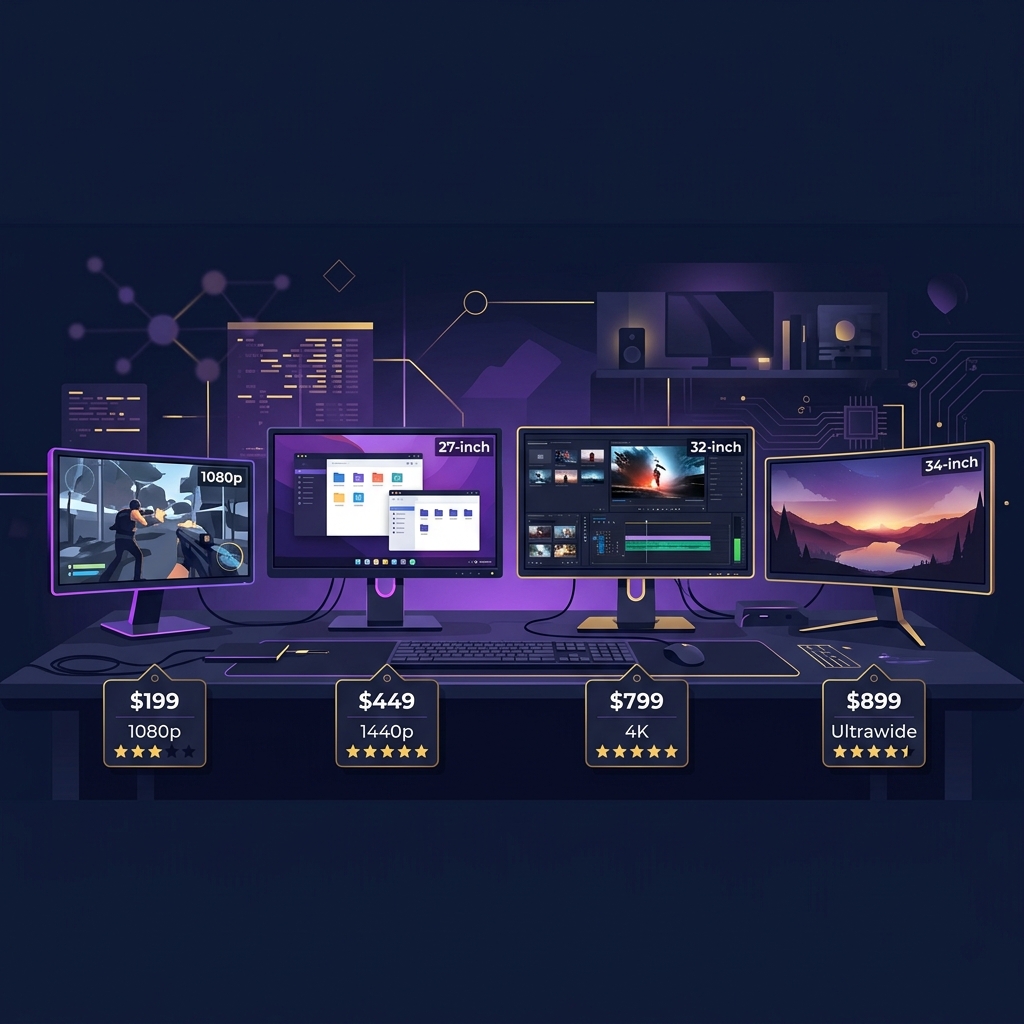
- 1080p (FHD): The undisputed king of high refresh rates. Ideal for competitive esports gamers who prioritize 240Hz to 360Hz speeds over ultimate image clarity. This resolution is incredibly easy to drive, making it budget-friendly.
- 1440p (QHD): The absolute sweetest spot for 90% of users. It offers a massive jump in visual sharpness over 1080p while remaining light enough to allow mid-range systems to comfortably hit 144Hz to 165Hz target frames.
- 4K (UHD): Tailor-made for creative professionals, video editors, and high-end console gamers. 4K at 120Hz+ is the pinnacle of modern display technology, but it demands an incredibly heavy investment in supporting PC hardware to prevent bottlenecking.
When weighing the merits of this guide, carefully assess what you spend 80% of your time doing. If you are reading text and editing 4K footage, prioritize the resolution and color gamut (like DCI-P3 coverage) over pushing beyond 120Hz. If you play highly competitive shooters every evening after work, sacrifice the 4K res for a lightning-fast 1440p 240Hz capable monitor.
Panel Technologies: IPS, VA, and the OLED Revolution
To truly master the nuances of "What is a Good Monitor Refresh Rate for Work, Gaming & Editing?", you must pair your desired refresh rate with the correct panel technology. For decades, Twisted Nematic (TN) panels ruled the high-speed market, offering unparalleled response times at the heavy cost of washed-out colors and horrific viewing angles. Thankfully, TN is practically extinct in the modern era. In-Plane Switching (IPS) panels have evolved to offer both stunning, vibrant color recreation and incredibly fast 1ms response times, making them the default recommendation for almost every user type.
However, the real revolution disrupting the market in 2026 is Organic Light-Emitting Diode (OLED) technology. Because OLED panels lack a unified backlight—instead, each individual pixel turns itself on and off independently—they boast instantaneous 0.03ms transition speeds. This means a 120Hz OLED screen will actually look and feel much smoother in motion than a 240Hz IPS LCD screen. As prices continue to fall, prioritizing an OLED or QD-OLED display is highly recommended for anyone serious about upgrading.
Making Your Final Purchasing Decision
In conclusion, when reviewing the core tenets of "What is a Good Monitor Refresh Rate for Work, Gaming & Editing?", remember that a monitor is one of the few PC components that routinely outlasts multiple full system upgrades. Buying a high-quality monitor with a robust feature set, including an ergonomic stand, built-in USB hubs, and robust adaptive sync support, is an investment in your physical comfort and daily productivity. Do not cheap out on your display. Determine your required resolution based on your hardware, pick a panel with a 144Hz minimum spec if your budget allows, and embrace a much smoother digital life.